Z Library Alternatives: Safe, Legal Ways to Get Free Ebooks, Audiobooks & Academic Texts
If you’re searching for Z Library alternatives, you’ve probably already hit a few walls: the site disappearing or changing domains, blocks in your country, or nagging doubts about how safe or legal it really is. The good news is that there are plenty of other ways to get ebooks, audiobooks and even academic texts without constantly chasing new mirror links.
This guide walks through practical alternatives to Z-Library, including completely free websites, library apps you can use with a card, paid subscription services for heavier readers, and research platforms. It also briefly explains pirate/shadow libraries so you understand the risks, but doesn’t recommend or link to them. Wherever possible, the options listed are legal in most countries—but laws vary, so it’s always worth checking what applies where you live.
Core Technology & Background Analysis
Most Z Library alternatives fall into a few technical and legal models, and understanding them will help you choose the right mix.
1. Public‑domain and open‑access libraries
Services like Project Gutenberg, LibriVox, DOAB and OAPEN focus on content that is either in the public domain or published under open licences.
- Public domain means the copyright has expired or was never applicable, so any site can legally distribute the work.
- Open access (common in academia) usually means the author or funder has allowed free online access under licences like Creative Commons, often with conditions such as attribution or non‑commercial use.
Because these services don’t rely on copying in‑copyright books without permission, they’re stable, long‑lived and generally safe to use anywhere.
2. Controlled digital lending and library platforms
Sites and apps such as Internet Archive, Open Library, Libby, BorrowBox and Hoopla rely on library-style lending rather than permanent downloads of everything.
- A library buys one or more digital licences.
- You “borrow” an ebook or audiobook for a limited time.
- Technical controls (DRM, account limits, or one‑copy‑one‑user rules) try to mirror physical lending.
This is why you see waitlists, loan caps and expiration dates. It’s also why these platforms are much less likely to be blocked or sued out of existence than shadow libraries: they’re operating within negotiated copyright frameworks, even if the exact legality (e.g., Internet Archive’s controlled digital lending) is debated in some courts.
3. Subscription content models (Netflix‑for‑books)
Kindle Unlimited, Everand (Scribd) and Kobo Plus use subscription economics:
- You pay a monthly fee.
- The service pays publishers and authors using a revenue share, per‑page‑read, per‑loan or pool model.
- In exchange, you get a large but not complete catalogue of titles you can read and/or listen to within the app.
Because access is tied to the subscription and app ecosystem, you don’t “own” the books, but you gain convenience, polish and legal certainty. These services are ideal if your reading volume is high enough that buying every ebook individually would cost far more.
4. Shadow libraries and pirate ebook sites
Z‑Library sits in the shadow library category: collections of copyrighted ebooks and articles shared without publisher consent. Technically, they often rely on:
- Distributed hosting and frequent domain changes.
- User uploads and community‑generated metadata.
- Minimal or no digital rights management.
From a user perspective, this explains both the appeal (huge free catalogue, including new textbooks) and the risks (legality, malware, shutdowns). They’re fragile by design because they must constantly evade takedowns.
5. File formats and why they matter
Across these alternatives you’ll see formats like EPUB, PDF, MOBI, AZW3, MP3 and in‑app readers:
- EPUB is the most flexible, open ebook standard, supported by Kobo, Apple Books and many apps.
- MOBI/AZW are Amazon‑centric formats for Kindles.
- PDF preserves layout—great for textbooks and scanned pages, but less ideal on small screens.
- MP3/M4B are common for audiobooks, or streaming inside dedicated apps (Libby, LibriVox, Everand, etc.).
Choosing services that offer open formats (EPUB, MP3, PDF) gives you more long‑term control over your library, but app‑based systems often compensate with smoother syncing, highlighting and device integration.
Quick overview: top Z Library alternatives
If you just want names quickly, here are the 15 main Z Library alternatives covered below:
- Project Gutenberg – Free public-domain ebooks; 75,000+ titles.
- Internet Archive – Massive digital library with millions of scanned books and public-domain downloads.
- Open Library – “One page for every book ever published” with digital lending.
- Libby (OverDrive) – Free ebooks and audiobooks via your public library.
- BorrowBox – Library app popular in the UK, Ireland, Australia & NZ.
- Hoopla – Library-powered access to ebooks, comics, audiobooks, films and more.
- Google Books – Huge searchable index with previews and full-view books.
- ManyBooks – 50,000+ free ebooks plus discounted modern titles.
- LibriVox – Free public-domain audiobooks, read by volunteers.
- Kindle Unlimited – Subscription with a large ebook catalogue.
- Everand (Scribd) – Reading subscription for ebooks, audiobooks and more.
- Kobo Plus – Subscription for Kobo users with unlimited ebooks and audiobooks.
- DOAB (Directory of Open Access Books) – Index of 100k+ free academic books.
- OAPEN Library – Hosting platform for peer-reviewed open access books.
- Shadow libraries & pirate sites – Frequently mentioned but high-risk and usually illegal (context only, not recommended).
Project Gutenberg
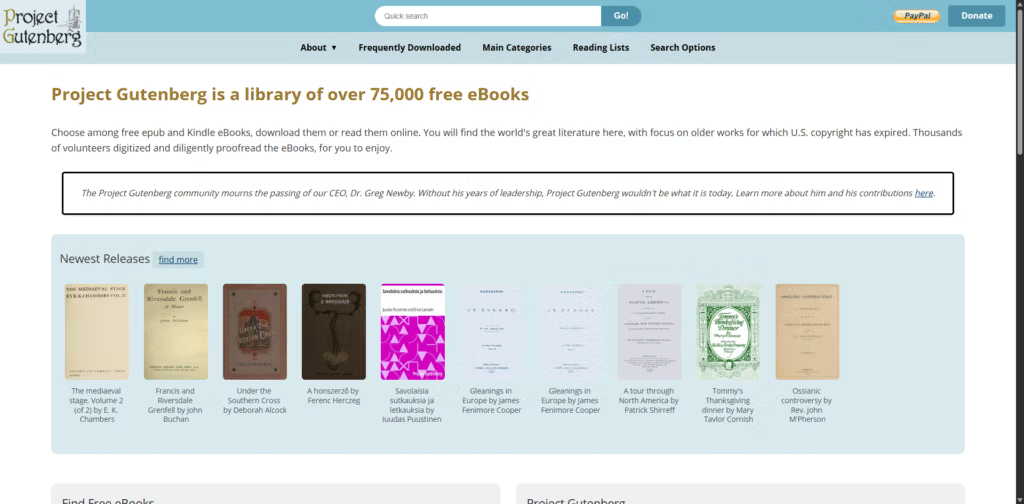
Project Gutenberg is one of the most important Z Library alternatives if you mainly want classics and older works rather than the latest bestsellers. It’s a long-running volunteer project offering over 75,000 free ebooks in the public domain, all carefully proofread and formatted in multiple digital formats.
Content focus
- Classic literature
- Older non-fiction, philosophy, history
- Some early genre fiction (sci-fi, adventure, mystery)
Best for
Readers who are happy to build a reading list around classic and public-domain books.
Pros
- Completely free and legal
- No sign-up required
- EPUB, Kindle, HTML and plain-text options
Cons
- No modern in-copyright bestsellers
- Formatting is basic compared to paid editions
How it compares to Z-Library
You won’t find new releases here, but as a risk-free foundation for your digital library, Project Gutenberg is one of the strongest Z Library alternatives.
Internet Archive
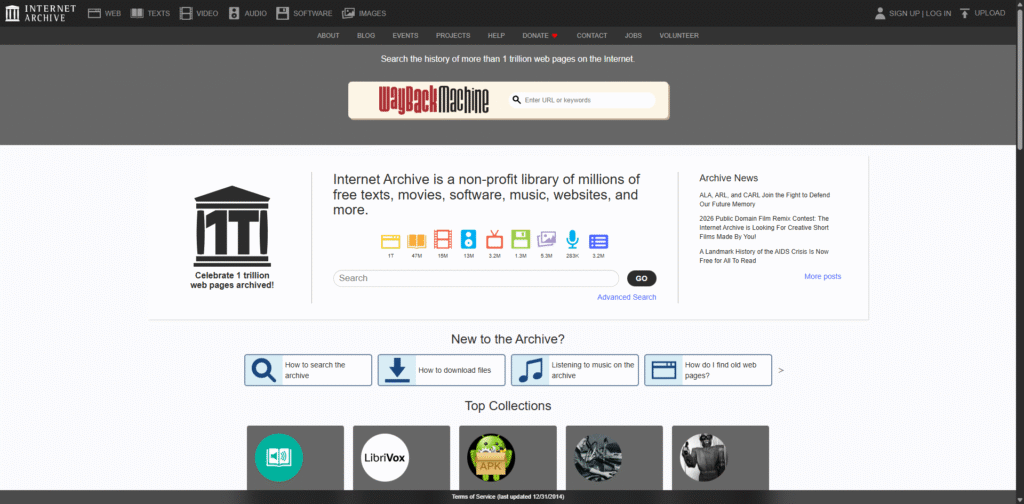
The Internet Archive is a nonprofit digital library that acts as a broad Z Library alternative for people looking beyond just ebooks. It preserves millions of books, websites, audio files, videos and more, with a dedicated “Texts” collection that includes public-domain downloads and digitised copies of in-copyright works.
Content focus
- Public-domain books (free to download)
- Out-of-print and older titles
- In-copyright books via controlled digital lending
Best for
- Research, niche topics and older works
- Finding scans of physical editions and rare books
Pros
- Enormous catalogue
- Public-domain items can usually be downloaded as PDF/EPUB
- Integrated with Open Library for lending
Cons
- Interface can feel cluttered
- Lending model for newer titles can involve queues and login friction
- Some lending practices have been legally contested in some jurisdictions
How it compares to Z-Library
As a research-oriented Z Library alternative, Internet Archive is excellent, especially for older and obscure material, though it’s not a direct replacement for mass downloading recent books.
Open Library
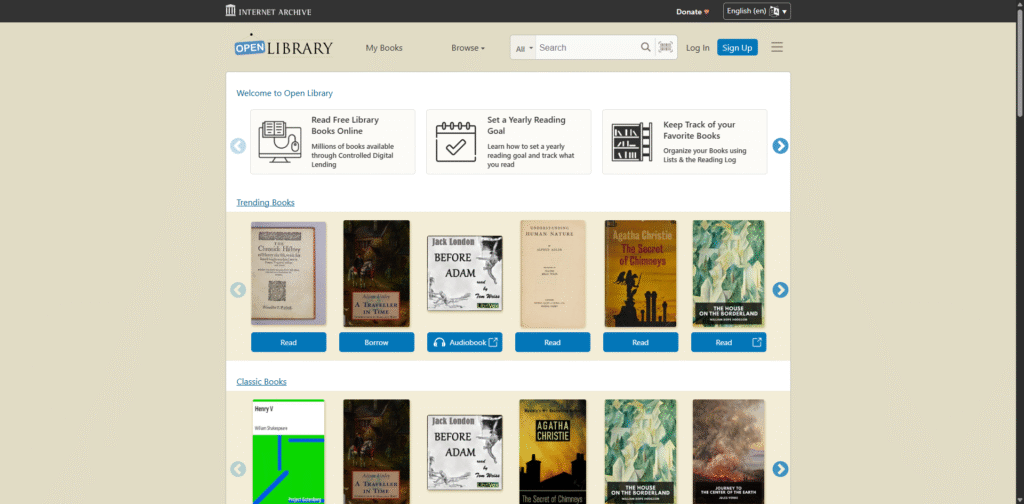
Open Library is a spin-off project from the Internet Archive that works as a more structured Z Library alternative for people who like borrowing rather than hoarding files. Its goal is “one web page for every book ever published,” combining bibliographic data with digital lending of scanned books.
Content focus
- Fiction and non-fiction across many decades
- Public-domain titles (often full view)
- In-copyright books via time-limited ebook loans
Best for
- Readers who don’t mind a library-style model
- Tracking different editions of the same book
Pros
- Free to register and borrow
- Can read in-browser; some formats allow download
- Strong discovery tools (ISBN, edition, subject)
Cons
- Waiting lists for popular books
- Reading experience is less polished than commercial ebook apps
How it compares to Z-Library
Open Library is one of the closest legit Z Library alternatives in concept: big coverage, free access, and downloadable files for some titles—but designed around lending rather than permanent downloads.
Libby (OverDrive)
What it is
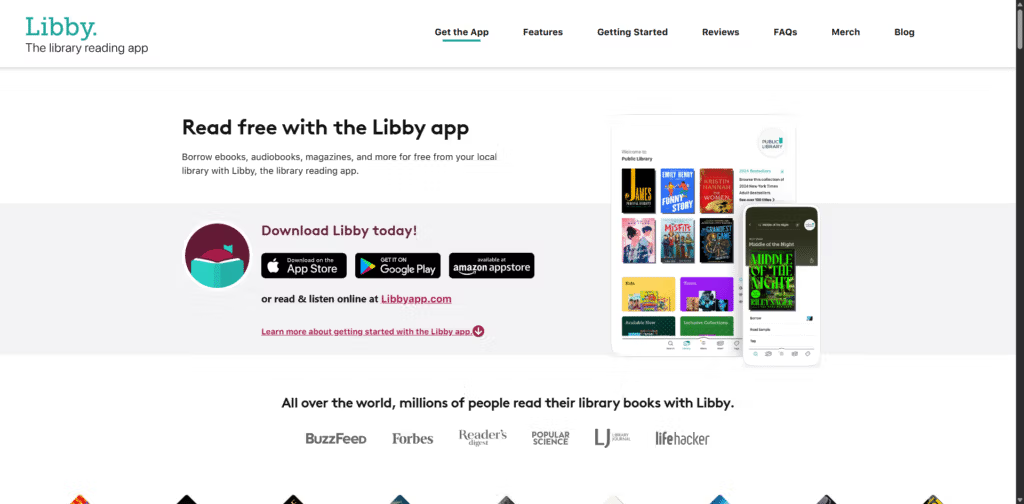
Libby is a key Z Library alternative for mainstream readers because it connects directly to your local public library’s digital collection. Through Libby, you can borrow ebooks, audiobooks and magazines for free with a valid library card, using an app that’s built specifically for reading and listening.
Content focus
- Bestsellers and new releases
- General fiction and non-fiction
- Audiobooks and magazines
Best for
- Readers who want the newest titles without paying per book
- People in regions with strong public library systems
Pros
- Free once you have a library card
- Clean mobile apps; offline reading and listening
- Auto-returns, so no late fees
Cons
- Catalogue and loan limits depend on your library’s budget
- Waitlists for very popular books
How it compares to Z-Library
For many people, Libby is the most practical everyday Z Library alternative: you get a large rotating catalogue of current books, entirely legally, with a smooth user experience.
BorrowBox
BorrowBox is another library-powered Z Library alternative, used heavily by libraries in the UK, Ireland, Australia, New Zealand and other regions. It provides a single app where you can borrow ebooks, audiobooks, and often e-magazines or newspapers using your library credentials.
Content focus
- Popular fiction and non-fiction
- Audiobooks from major publishers
- Digital press content in some systems
Best for
- Readers in countries where BorrowBox is the main digital library platform
- People who want a simple, library-first reading app
Pros
- Free access with a participating library card
- Good mobile apps; offline use
- Strong local catalogues in supported regions
Cons
- Not available everywhere
- Doesn’t install on all e-readers (e.g., most Kindles)
How it compares to Z-Library
If your local library uses BorrowBox, pairing it with Libby can cover a huge chunk of what Z-Library used to provide, while staying firmly on the right side of copyright law.
Hoopla
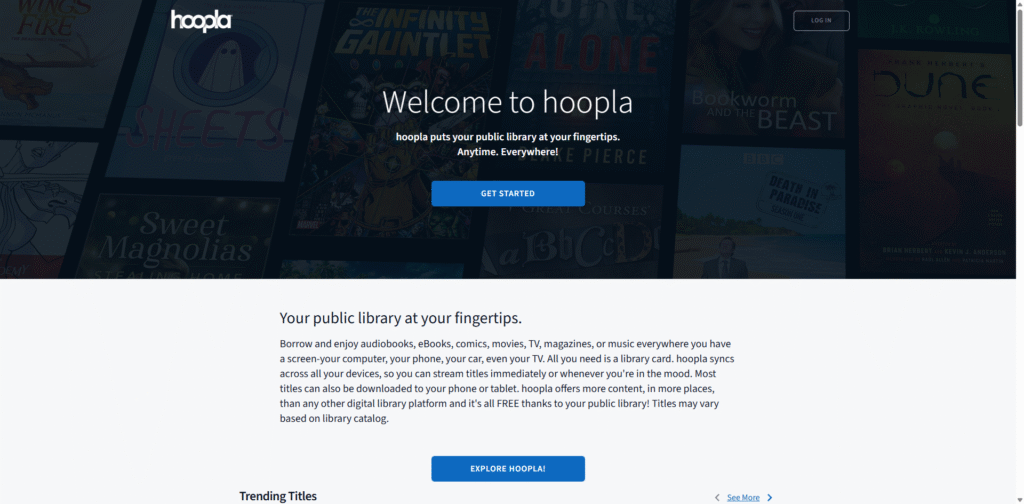
Hoopla is a versatile Z Library alternative that focuses on all kinds of digital media via your library: ebooks, audiobooks, comics, music, movies and TV. Instead of a limited copy model, many titles are available for instant checkout through a pay-per-use deal funded by your library.
Content focus
- Ebooks and audiobooks
- Comics and graphic novels
- Films, TV and music
Best for
- Users who want more than just books from a Z Library alternative
- Graphic-novel and comic readers
Pros
- Free with a participating library card
- Large catalogue; instant access to many items
- No late fees
Cons
- Monthly borrow limits set by your library
- Some libraries are dropping Hoopla due to cost
How it compares to Z-Library
Hoopla is a strong all-rounder Z Library alternative if your main goal is “a lot to read and watch from one place,” rather than building your own ebook file archive.
Google Books
Google Books is a huge searchable index of book content that functions as a discovery-oriented Z Library alternative. It lets you search inside millions of books, view full text for public-domain titles, and see previews or snippets for many in-copyright works, with links to buy or borrow.
Content focus
- Public-domain books (often full view and downloadable)
- In-copyright titles with limited previews
- Links to libraries and retailers
Best for
- Checking whether a book is worth borrowing or buying
- Searching within texts for study and research
Pros
- Massive coverage
- Powerful full-text search inside books
- Some titles downloadable as PDFs
Cons
- Many books are preview-only
- Not a full lending or subscription service
How it compares to Z-Library
Google Books isn’t a direct replacement, but it’s a useful front-end layer: you discover books there, then get them through library apps, legitimate ebook stores or open-access sources.
ManyBooks
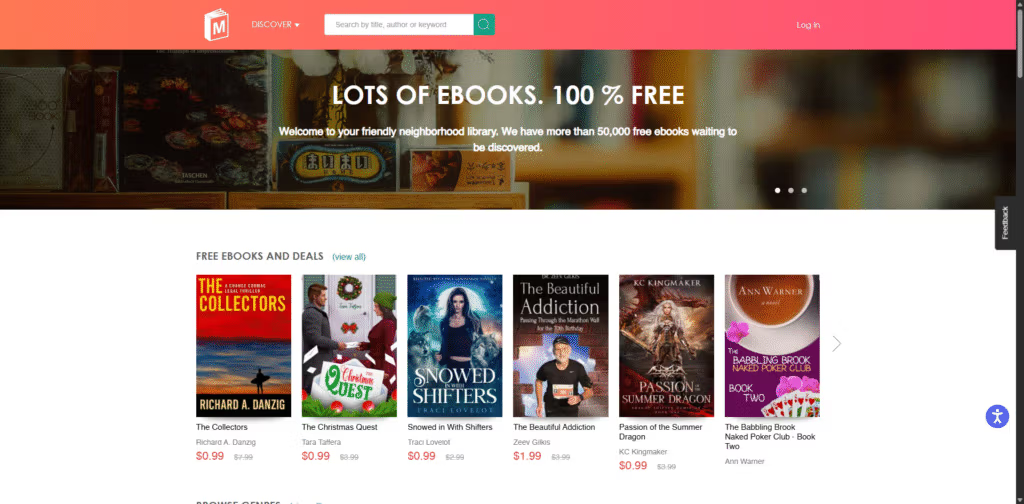
ManyBooks is a reader-friendly Z Library alternative for free and cheap ebooks, bringing together public-domain works and modern titles from indie authors. It started as a front-end for classic texts and now offers over 50,000 free ebooks plus frequent deals on newer books.
Content focus
- Classic literature in the public domain
- Contemporary indie and small-press titles
- Regular promotions and discounted ebooks
Best for
- Readers who enjoy trying new or lesser-known authors
- People who want a stream of free and cheap ebooks
Pros
- Large free catalogue
- Multiple formats for most titles
- Good genre filters (romance, thriller, sci-fi, etc.)
Cons
- Fewer big-publisher bestsellers
- Quality can be mixed for very small-press titles
How it compares to Z-Library
ManyBooks works well as a cleaner, safer Z Library alternative when you mainly want something new to read, not necessarily the latest blockbuster.
LibriVox
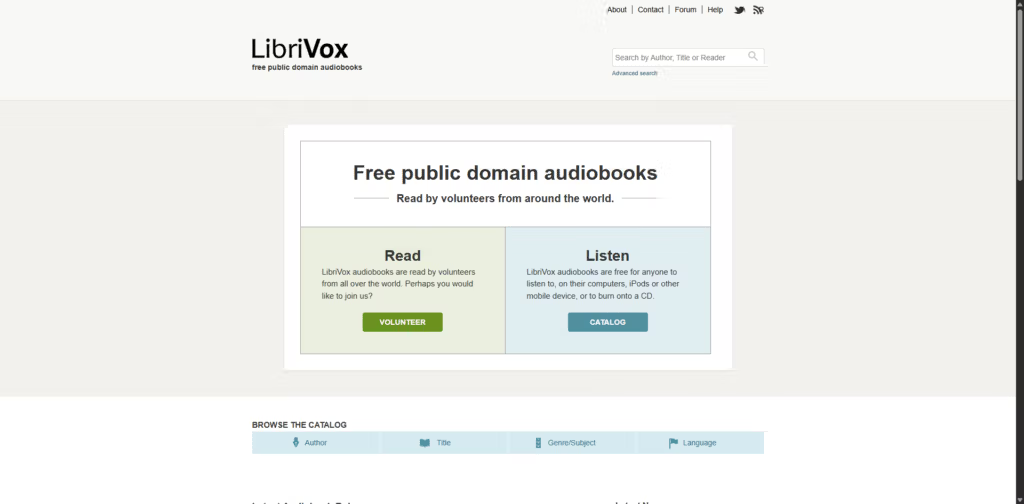
LibriVox is a specialised Z Library alternative for audiobooks, built entirely around public-domain works. Volunteers from around the world record readings of classic books and make them available for free download or streaming.
Content focus
- Classic novels
- Poetry, essays and drama
- Multilingual recordings
Best for
- People who prefer to listen rather than read
- Commuters, language learners, and fans of older literature
Pros
- All audiobooks are free and public domain
- Apps and feeds available; can download MP3s
- Growing catalogue with thousands of recordings
Cons
- No modern copyrighted audiobooks
- Quality varies by volunteer reader
How it compares to Z-Library
LibriVox is the audio counterpart to public-domain ebook libraries; it’s ideal if part of your Z-Library habit was listening to classics in audio form.
Kindle Unlimited
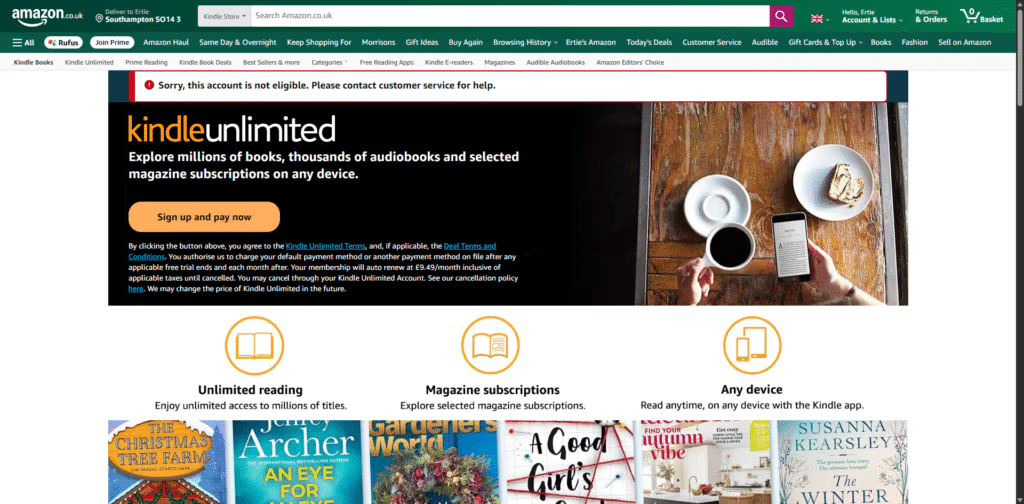
Kindle Unlimited is a commercial Z Library alternative for heavy readers who are comfortable in the Amazon ecosystem. It’s a subscription service that lets you read from a large catalogue of ebooks (and some audiobooks) for a flat monthly fee, with up to a certain number of titles borrowed at once.
Content focus
- Genre fiction: romance, thriller, sci-fi, fantasy
- Many indie and self-published works
- Some non-fiction and comics
Best for
- Readers who already use a Kindle or Kindle app
- People who read several books per month in popular genres
Pros
- Huge catalogue relative to price
- Deep integration with Kindle devices and apps
- Frequent free trials or promotions
Cons
- Not all big-publisher bestsellers are included
- Access ends if you cancel the subscription
How it compares to Z-Library
Kindle Unlimited offers a legal “all-you-can-read” feel for a monthly fee, making it a realistic Z Library alternative if you read a lot of genre fiction.
Everand (Scribd)
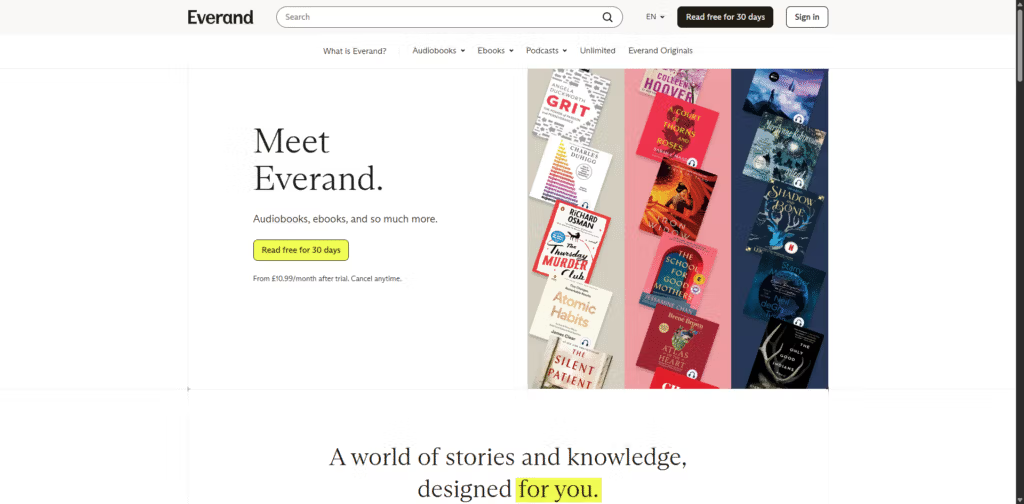
Everand (the reading app from the Scribd family) is another subscription-based Z Library alternative that covers ebooks, audiobooks, magazines, documents and more. It operates on a hybrid model with a core catalogue plus “unlocks” for premium titles, but still feels like a large digital library for one monthly price.
Content focus
- Popular fiction and non-fiction
- Audiobooks and podcasts
- Magazines, sheet music and documents
Best for
- Users who want a single subscription for many content types
- Non-fiction readers and audiobook listeners
Pros
- Wide variety of formats in one place
- Apps across most platforms; offline reading and listening
- Includes many well-known titles
Cons
- Soft usage limits on some plans
- Catalogue can shift as licensing changes
How it compares to Z-Library
Everand functions as a paid but polished Z Library alternative, particularly if you care about both text and audio content under one roof.
Kobo Plus
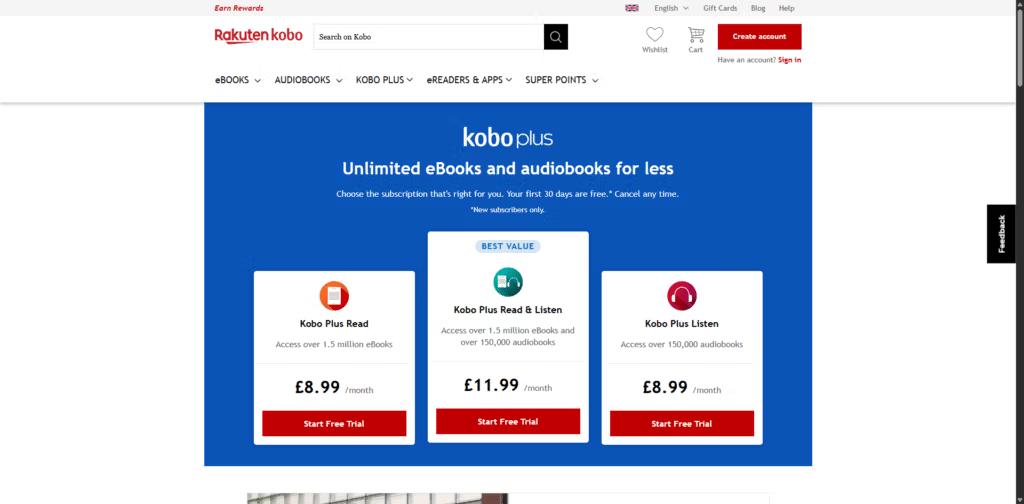
Kobo Plus is Rakuten Kobo’s subscription-style Z Library alternative aimed at users of Kobo e-readers and apps. For a fixed monthly price, you can read and listen to as many included ebooks and audiobooks as you like from the Kobo Plus catalogue.
Content focus
- Genre fiction and mid-list titles
- A growing selection of audiobooks
- Some region-specific content
Best for
- Kobo e-reader owners
- Readers who want an “unlimited” experience outside Amazon
Pros
- Unlimited reading/listening within the Kobo Plus library
- Strong integration with Kobo devices and apps
- Multiple plan types (read, listen, or both)
Cons
- Availability and catalogue vary by country
- As with other subs, not every major bestseller is included
How it compares to Z-Library
Kobo Plus is a natural Z Library alternative for Kobo users, giving you a large rotating library of books to explore with a predictable monthly cost.
DOAB (Directory of Open Access Books)
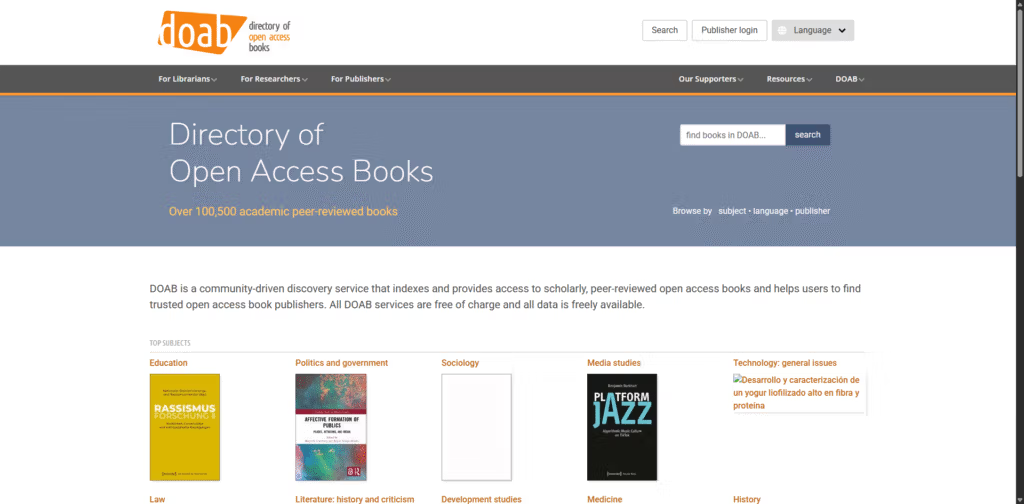
The Directory of Open Access Books (DOAB) is a specialist Z Library alternative aimed at academics and serious non-fiction readers. It’s a community-driven index that lists over 100,000 peer-reviewed open access books and helps users discover trustworthy publishers and titles that are free to read.
Content focus
- Peer-reviewed scholarly monographs
- Humanities, social sciences, law, education, technology and more
- Books from established academic presses
Best for
- Students, researchers and professionals
- Anyone who needs reliable, citable academic sources
Pros
- All titles are open access; free to read online
- Quality control via peer review
- Good search and browse tools
Cons
- Academic style; not casual reading
- Does not cover every commercial textbook
How it compares to Z-Library
For academic content, DOAB is one of the strongest fully legal Z Library alternatives, particularly when you need peer-reviewed books you can access anywhere.
OAPEN Library
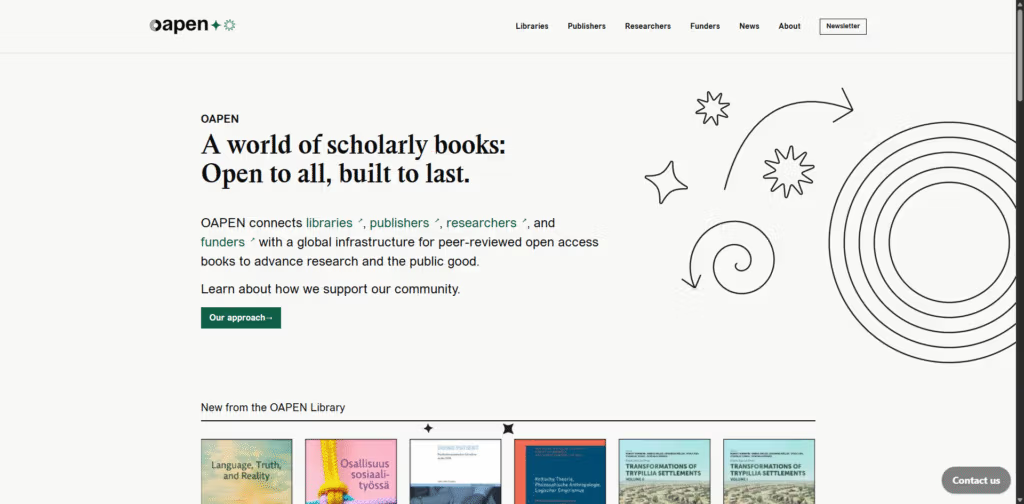
The OAPEN Library is a hosting platform that works alongside DOAB and acts as a research-focused Z Library alternative for full-text academic books. It provides open access to thousands of peer-reviewed monographs, connecting publishers, libraries and funders via a stable infrastructure.
Content focus
- Scholarly books across many disciplines
- Open access titles from academic publishers
- Long-form research outputs
Best for
- Researchers who need downloadable academic PDFs
- Librarians integrating OA books into catalogues
Pros
- Free to read and download
- Curated, peer-reviewed content
- Emphasis on long-term preservation
Cons
- Narrow focus on scholarly work
- Interface is utilitarian rather than consumer-oriented
How it compares to Z-Library
If you used Z-Library mainly as an academic shortcut, OAPEN plus DOAB can supply a legally solid replacement for a significant portion of your research reading.
Shadow libraries and pirate ebook sites (high risk, not recommended)
Shadow libraries and pirate ebook sites are often presented online as “true Z Library alternatives” because they distribute large numbers of in-copyright books, articles and textbooks for free without publisher permission. They typically operate via mirror domains, file-sharing, or anonymised hosting, and frequently reference or replace services like Z-Library itself.
Key risks
- Legal: Downloading or sharing copyrighted content without permission may violate copyright law in many countries.
- Security: These sites often rely on aggressive ads, pop-ups and risky download links that can lead to malware or phishing.
- Privacy: Operators may collect IP addresses, email addresses or browsing data.
- Stability: Domains are routinely seized or blocked, so links break and mirrors vanish.
Because of these concerns, this article does not list or link to specific shadow libraries, and does not recommend using them as Z Library alternatives.
Deep Configuration Analysis: Which Alternatives Fit Which Type of Reader?
Looking beyond the feature lists, different combinations of these Z Library alternatives make sense for different reading habits and constraints.
1. Casual readers on a tight budget
If you read a few books a month and don’t care about having every new release:
- Combine Libby/BorrowBox/Hoopla (if your library supports them) with Project Gutenberg, ManyBooks and LibriVox.
- This stack gives you a constant stream of free ebooks and audiobooks, enough to fill evenings and commutes without ever paying.
2. Heavy genre fiction fans (romance, thriller, fantasy, sci‑fi)
If you sometimes tore through Z-Library downloads in a weekend:
- A subscription like Kindle Unlimited, Everand or Kobo Plus will feel closest to your old workflow: pick a book, tap read, no per‑title charge.
- Add library apps (Libby / BorrowBox) on top to fill gaps in the catalogue, especially for big traditional-publisher titles.
- Keep ManyBooks in the mix if you enjoy discovering new indie authors.
3. Students and researchers
If you used Z-Library mainly to shortcut expensive textbooks:
- Use DOAB + OAPEN as your first stop for scholarly monographs. They won’t cover every textbook, but they do cover a lot of serious academic reading.
- Back this up with Internet Archive and Open Library for older editions and out-of-print works.
- Use Google Books for full-text search inside books to confirm whether a title is worth tracking down in full.
While this won’t replace every paid textbook, it can substantially reduce costs and keep you in a legally safer zone.
4. Audiobook‑first users
If you mostly listened to Z-Library audiobooks:
- Start with Libby, Hoopla and BorrowBox (where available) for mainstream audiobooks.
- Add LibriVox for classics and public‑domain works.
- Consider Everand or Kobo Plus (read & listen plan) if you’re burning through multiple audiobooks per month and want more variety than your library offers.
5. Readers in countries with weak library infrastructure
If your public library doesn’t support Libby/Hoopla/BorrowBox or has a limited catalogue:
- Lean heavily on Project Gutenberg, ManyBooks, LibriVox, DOAB and OAPEN—they’re accessible globally and often without regional locks.
- A subscription like Kindle Unlimited, Everand or Kobo Plus can be worth the cost if free options are thin on the ground.
By thinking in terms of your reading volume, format preference (text vs audio), and legal risk tolerance, you can build a setup that feels as convenient as Z-Library—but more stable and sustainable.
Buying Guide: How to Choose the Right Z Library Alternative Stack
Because no single site replaces Z-Library one‑to‑one, it helps to pick a strategy rather than just a list of URLs.
Step 1: Define your main use case
Ask yourself: What did I actually use Z-Library for?
- Latest bestsellers & popular fiction
- Prioritise: Libby, BorrowBox, Hoopla, plus a subscription like Kindle Unlimited or Everand.
- Academic reading & research
- Prioritise: DOAB, OAPEN, Internet Archive, Open Library, Google Books search.
- Classics and older literature
- Prioritise: Project Gutenberg, ManyBooks, LibriVox, Internet Archive.
- Audiobooks & multi‑format media
- Prioritise: Libby, Hoopla, BorrowBox, Everand, Kobo Plus, LibriVox.
Step 2: Decide how much you’re willing to pay
- £0 / $0 budget
- Library apps + public-domain / open-access sites are enough for many readers.
- Low monthly budget
- One single subscription (Kindle Unlimited, Everand or Kobo Plus) added to your free stack will radically increase choice.
- Higher budget, demanding reader
- You might combine: one subscription for fiction + targeted ebook purchases (e.g., Kindle store, Kobo store) + all the free/open-access sources.
Step 3: Consider device and ecosystem lock‑in
- Kindle e-readers work best with Kindle store purchases and Kindle Unlimited. You can still side-load many public-domain EPUBs by converting them, but app-based services (Everand, Kobo Plus) won’t run natively on e‑ink Kindles.
- Kobo e-readers integrate tightly with Kobo Plus and work very smoothly with EPUBs from Project Gutenberg, ManyBooks, library services that support EPUB downloads, and many open-access books.
- Phones, tablets and PCs offer maximum flexibility—you can mix apps from library services, subscription platforms and open-access sites without much friction.
Strategic competitor considerations (legal vs. “grey” options)
Some readers will still feel tempted by shadow libraries for brand‑new textbooks or niche titles. From a risk‑management perspective:
- Build your legal stack first (library apps + public-domain + open-access + one subscription).
- Use Google Books and Internet Archive to see whether older editions or alternative reputable texts exist before you consider anything dubious.
- Treat shadow libraries as high‑risk and last resort—with the understanding that copyright law in your jurisdiction may explicitly ban or penalise such use, and that security/privacy risks are real.
For many people, once the legal stack is well set up, the urge to chase unstable pirate mirrors drops sharply because you already have more to read than you can realistically finish.
Conclusion: building a practical Z Library alternative stack
There is no perfect one-for-one replacement for Z-Library. However, combining several of these Z Library alternatives gives you a strong, sustainable setup:
- Use Libby, BorrowBox and Hoopla as your primary free sources for modern ebooks and audiobooks via your local library.
- Add Project Gutenberg, Internet Archive, Open Library, ManyBooks and LibriVox for classics, older titles and public-domain audiobooks.
- Layer on a subscription like Kindle Unlimited, Everand or Kobo Plus if your reading volume justifies a monthly fee.
- For serious study, rely on DOAB and OAPEN Library as your main open-access academic book sources.
That mix won’t give you every book instantly and for free, but it will give you a large, stable and legal reading ecosystem without the constant uncertainty that surrounds shadow libraries.
If you’re also looking beyond Z-Library, make sure you check out our in-depth guide to the best Libgen alternatives for even more ways to find books online.
Frequently Asked Questions (FAQ)
1. Are Z Library alternatives like Libby and Project Gutenberg legal?
Yes. Libby, BorrowBox, Hoopla, Project Gutenberg, ManyBooks, LibriVox, DOAB and OAPEN operate within copyright law—either by:
- Lending books via libraries under licensing agreements, or
- Providing public-domain or open-licensed content.
Always remember that laws can differ by country, but these services are designed to be legitimate.
2. Do any Z Library alternatives have the same range of current bestsellers?
No single alternative matches Z-Library’s range of in‑copyright material. The closest practical setup is:
- Use Libby / BorrowBox / Hoopla for mainstream bestsellers.
- Add a subscription like Kindle Unlimited, Everand or Kobo Plus for breadth and convenience.
Between them, you’ll cover a large percentage of popular titles, though not every single book.
3. Can I download and keep ebooks permanently from these alternatives?
It depends:
- Permanent downloads (yours to keep): Project Gutenberg, many titles on ManyBooks, most LibriVox MP3s, many open-access books from DOAB/OAPEN/Internet Archive.
- Time-limited loans: Libby, BorrowBox, Hoopla, Open Library, most Internet Archive in‑copyright lending.
- Access tied to a subscription: Kindle Unlimited, Everand, Kobo Plus—once you cancel, you lose access to borrowed items.
4. Are there safe Z Library alternatives for textbooks and academic books?
You won’t find every commercial textbook, but DOAB, OAPEN, Internet Archive and Open Library are excellent starting points for academic material. They provide:
- Peer‑reviewed monographs and open-access textbooks.
- Older editions and scanned copies of out-of-print works.
Combined with your institution’s library resources, this can substantially reduce your reliance on risky shadow libraries.
5. How can I stay safe if I still choose to visit shadow libraries?
From a risk perspective, the better answer is “don’t”—but if you ignore that advice, at minimum you should:
- Understand the copyright law in your country.
- Use strong malware protection, avoid suspicious ads and installers, and never run “download managers” from unknown sites.
- Avoid creating accounts with real personal information.
Ultimately, the safest approach is to build a legal reading stack from the alternatives in this guide so you’re not dependent on unstable or high‑risk sites at all.